Blender MCP: What It Does Well and Where It Runs Out
An honest look at driving Blender with an AI agent: where Blender MCP wins outright, where its abstraction level costs you, and how to split the work.
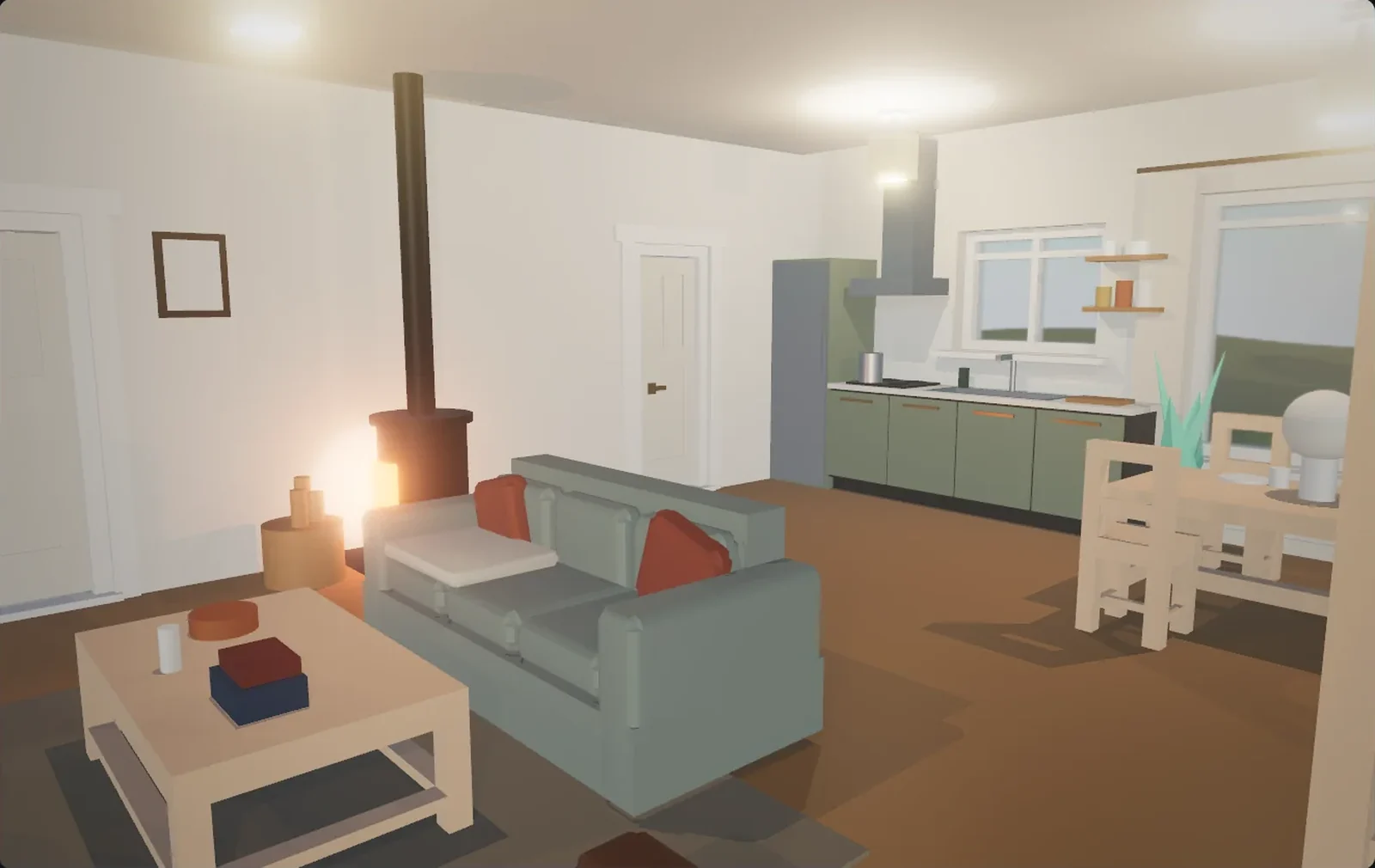
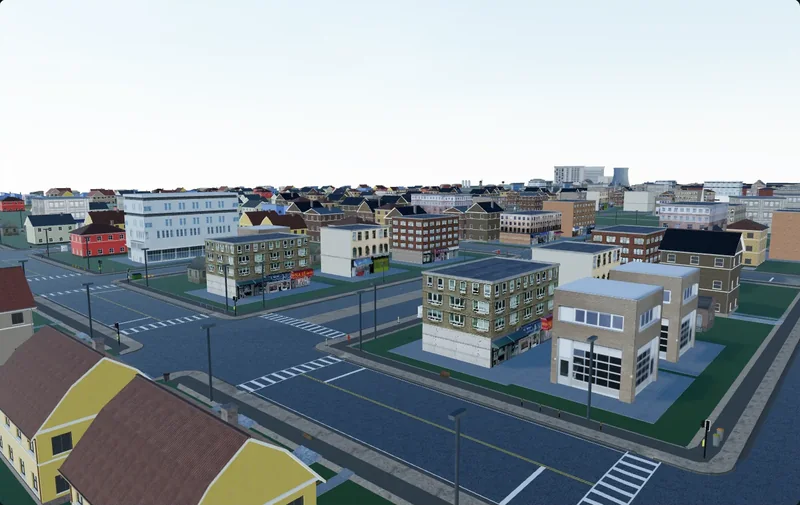
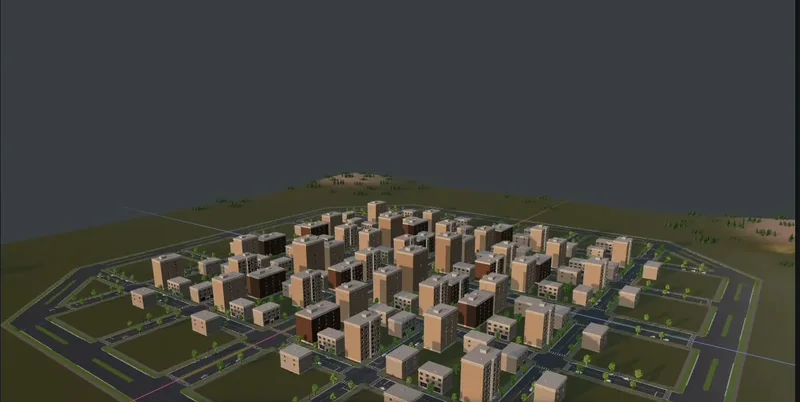
Install the add-on, press Start MCP Server, ask for a chair. You get a chair in a few seconds, proportioned, with a material on it. Then ask for a street of twelve houses with pavements, and the character of the session changes: the agent starts writing long Python scripts, running them, reading the scene back, patching what broke. It usually gets there. It just costs an order of magnitude more turns than the chair, and the twelfth house rarely matches the first.
That difference is the subject here. Blender MCP is genuinely good, genuinely free, and for a large class of work nothing else comes close. The place where it gets expensive is specific, and worth naming precisely.
What Blender MCP actually is
The project most people mean is Siddharth Ahuja's MIT-licensed blender-mcp: two pieces that talk over a socket. An add-on runs inside Blender and opens a small TCP server; a separate Python process speaks the Model Context Protocol to your client and forwards JSON commands down that socket. You install it with one command, enable the add-on, and press Start MCP Server in the viewport sidebar. Its README is honest: a third-party integration, not made by Blender.
The shape of its tool list is the shape of everything that follows:
- Reading the scene.
get_scene_info,get_object_infoandget_viewport_screenshot, so the agent can check what it made rather than guess. - Doing anything at all.
execute_blender_code, which runs arbitrary Python inside the running Blender withbpy,bmeshandmathutilsin scope. The README tells you to save first, which is the correct warning. - Assets. Search and download from Poly Haven, whose library is CC0, plus Sketchfab and Poly Pizza, plus text-to-3D generation through Hyper3D Rodin and Hunyuan3D, imported straight into the open scene.
Notice what is not in that list. There is no create_object, no modify_object, no set_transform. Earlier versions had a few; the current server dropped them. Every piece of geometry the agent makes, it makes by writing Python.
The official one, too
Since April 2026 there has also been an official MCP server from the Blender Lab, and Claude ships a Blender connector written by the Blender developers themselves. It is framed around analysing and debugging scenes, batch-applying changes across many objects, and using the Python API to add tools to Blender's own interface. Different provenance, different emphasis, same fundamental interface: the agent's leverage is bpy.
What it is simply the best answer for
Not a polite hedge before the criticism: there is a long list of jobs where reaching for anything else is a mistake.
- One object. A prop, a piece of furniture, a modular wall section. The agent writes thirty lines, you say the legs are too thin, it fixes the legs.
- Materials and shading. Node graphs are data, and an agent that writes Python can build and rewire them. Poly Haven supplies 8K CC0 textures, free and without an attribution burden.
- Batch edits. Rename every object after its collection. Set the roughness on every glass material to 0.05. Find the forty objects with non-uniform scale and fix them. Here a general-purpose scripting interface is not a compromise but exactly the right tool.
- Anything you would otherwise have searched for. The correct context override, the argument order on a modifier, why your export came out a hundred times too large. The API knowledge is the product.
- Inheriting Blender. Modifiers, Geometry Nodes, Cycles, UV tools, sculpting, rigging, physics, the compositor. Nothing else with an agent attached has that surface area.
The ceiling matters as much as the list. Because execute_blender_code is a general escape hatch, Blender MCP's ceiling is Blender's ceiling, the highest in this whole conversation. If a thing can be done in Blender, an agent with this add-on can eventually do it.
The cost is the abstraction level, not the software
One junction, described two ways
Say two roads should meet. Through Blender, the agent has to decide what a junction even is, then produce it: build both road surfaces as extruded profiles, find where they overlap, cut the intersection polygon, delete the interior faces so the surfaces do not z-fight, chamfer the four corner returns, generate the kerb as a swept profile that stops at each corner and picks up on the far side, orient the UVs so the road texture runs along each arm rather than across it, then lay crosswalk quads a few millimetres above the surface so they draw on top. In bmesh that is tens of lines and a dozen assumptions. The next junction — three arms, one road wider — is a different tens of lines.
In a tool that already thinks in locations, a junction is one operation. The roads are objects with centrelines and widths, "connect them here" is a call, and the intersection surface, kerb returns, pavement corners and markings fall out of it. The agent spends its turn deciding where the junction goes — the decision you actually wanted from it.
None of this is a flaw in Blender. Blender does not know what a junction is, and should not: it is a general-purpose modeller, and that generality is exactly why the previous section is so long. The mismatch is that a location is made of a few dozen recurring concepts — carriageway, kerb, pavement, block, plot, facade, storey, opening — while a modeller offers vertices.
What forty repetitions cost
A street is the same operation many times over, and generated code drifts. House 3 gets a 2.8 m floor-to-floor because the agent derived it from the roof height. House 31 gets 2.9 m because by then it is deriving from the window head. Nothing errors, nothing is logged, and you find out standing in the street watching the rooflines fail to line up. The tool holds no convention on the agent's behalf, so the convention lives only in the conversation — which is being compacted as it grows.
Context fills with API, not with your plan
Every scene read comes back as text; every script is tokens up and, often, a traceback down. Two hundred objects in, the agent's memory of "Mediterranean, two storeys, tiled roofs, pavements both sides" is competing for room with a bpy.ops signature it needed twenty minutes ago. Long builds drift for that structural reason at least as much as for anything to do with model quality.
The rule that survives contact with real work: if the result is one thing, Blender MCP is the fastest route to it. If the result has a layout, the layout needs to be a first-class object in whichever tool you use, or the agent rebuilds it from vertices every turn.
Side by side
The columns are Blender with an MCP add-on, and an editor built for locations — Cuberta in this case.
| Dimension | Blender with an MCP add-on | A purpose-built location editor |
|---|---|---|
| What you are given | All of Blender: modifiers, Geometry Nodes, Cycles, UV tools, rigging, physics, plus CC0 and marketplace asset search | Location-level operations: road networks with junctions and sidewalks, blocks with facades, furnished interiors, terrain, vegetation, lighting, time of day |
| What the agent must invent | Every piece of geometry above primitive level, as Python, every time | The arrangement — the part you wanted an agent for |
| Turns per result | Write a script, run it, read the scene back, correct. A junction is a script; a street is many | One call per location concept; the session is a conversation about layout, not a code review |
| Editability | Total. Everything produced is native Blender data, editable by hand with the full toolset | Real objects to select, move and delete; any step undoable; you can mark where to build and where not |
| Export | Nearly anything: glTF and GLB, FBX, USD, OBJ, Alembic and more, all bundled | GLB or FBX with textures included |
Use both, in that order
Treating this as a choice is the mistake. The two approaches fail in opposite directions, which is the exact condition under which a pipeline beats a preference.
The order that works: build the place where places are cheap. Road network, junctions, block subdivision, building masses, interiors, vegetation, lighting and time of day. Then export GLB or FBX with the textures included and open the result in Blender. Now spend Blender's strengths where they pay off: retopologise the hero building the camera passes at eye height, bake ambient occlusion for the row visible at the level start, drive facade variation with Geometry Nodes, rig the door that opens. That is Blender MCP at its best, because the agent is back to one object at a time.
The reverse works too: model the hero prop in Blender with the agent, export, drag it into the location. The formats are not interchangeable there — GLB and FBX diverge on materials, scale and animation — so decide once, not per asset.
Cuberta is one editor built for the first half of that split: free, desktop, with its own MCP server. You press Copy connect command, paste it into a terminal, and the agent you already use is driving the viewport, building road networks, blocks, interiors, terrain and lighting while you watch and undo anything you dislike. Export is GLB or FBX with textures, exactly the hand-off above. It is not a modeller and does not pretend to be one. Running two or three servers in one session is ordinary practice; the wider set of MCP servers around 3D and game development is worth knowing first.
Deciding in one pass
- One object, one material, one batch edit, one script. Blender MCP. You will be finished before an alternative has installed.
- A render. Blender, without hesitation. Cycles is not a thing you replace.
- Anything with a layout — roads that meet, buildings that face a street, rooms that connect. Ask whether layout is a first-class object in the tool. If not, you pay for it in Python.
- An FBX or GLB a level designer opens on Monday. Build the location where locations are cheap, finish the assets in Blender, export once.
- Topology an animator will deform. Neither approach gives you production edge flow. Model it yourself, let the agent do the UVs and the material.
The honest boundary
Blender MCP's ceiling is Blender's ceiling and its floor is Python. That combination is unbeatable for one object and expensive for a hundred, and both halves come from the same design decision: hand the agent a general-purpose modeller and let it write code. A purpose-built location editor takes the opposite trade — a much lower ceiling, no sculpting, no Cycles, no rigging — for a floor where a junction is one call rather than fifty lines.
The question is not which one wins. It is which half of your job you are looking at when you ask.