AI Level Design Tools in 2026: What Each One Actually Does
Five kinds of AI tool touch level design, and only some of them design anything. What each category produces, where it stops, and how to choose.
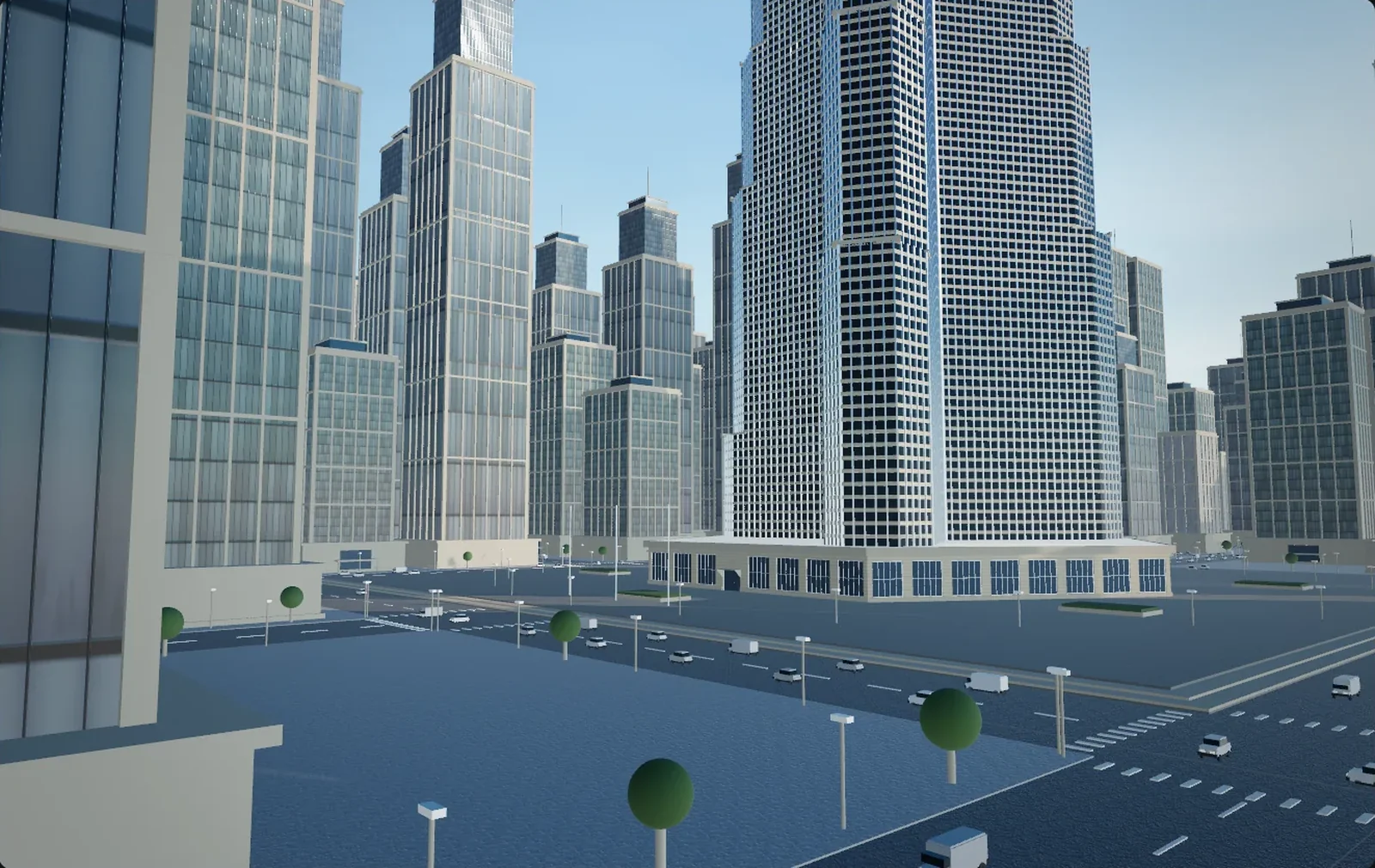
Search for "AI level design tools" and most of what comes back makes assets. A prop, a building, a texture — produced in seconds and often produced well. Very little of it designs a level. The two jobs get sold under one heading because both end in geometry, but asset production is about surfaces and level design is about decisions, and no amount of the first turns into the second.
What follows is a map of the category in 2026, sorted by what comes out of the tool rather than by whose logo is on it: five kinds, and for each what it is good at, where it stops, and what is left on your desk.
What level design actually is
A level is a set of answers to questions about a player. Where do they enter. What do they see first. How many seconds pass before something happens. Where can the fight be won, and where can it be lost. Blockout — grey boxes, no art, no lighting — exists because those answers are testable before anything is beautiful. You can play a blockout. You cannot play a texture.
Not one item on the list below is a mesh — which is why "does it do level design" is a fair question for software that only hands you geometry.
- Blockout at real dimensions — a 3 m corridor, a 12 m drop, a room sized to the encounter you had in mind.
- Flow — the route a player takes without being told, plus the alternatives worth finding.
- Sightlines — what is visible from where, which decides at what range the combat happens.
- Pacing — the gap between events, measured in seconds of travel rather than metres.
- Readability — landmarks that tell a player where they are without a minimap.
Tools that hand you content
Both hand you finished geometry and no trail back to the decisions.
Single-object generators
Text or an image in, one mesh out. Meshy, Tripo, Rodin and Hunyuan3D are the names that come up most; they produce PBR textures, export GLB, FBX, OBJ or USD, and several offer a quad remesh on the way out.
Good at: filling a hole in a kit. The thing no library contains — a particular market stall, a roadside shrine, a wrecked vending machine — arrives in under a minute and holds up at three metres.
Where it stops: one object has no relationship to any other object. Ask for twelve houses and you get twelve unrelated houses: twelve floor heights, twelve material palettes, twelve interpretations of what a window is. Quad remesh gives evenly distributed quads, not loops where something deforms, and nothing in the output knows how big it should be.
Still by hand: scale in metres, pivot, collision, LODs, and every question about where the thing goes — that last one being the whole of level design. Getting from an object to a place is a different problem with different answers.
Library-and-placement builders
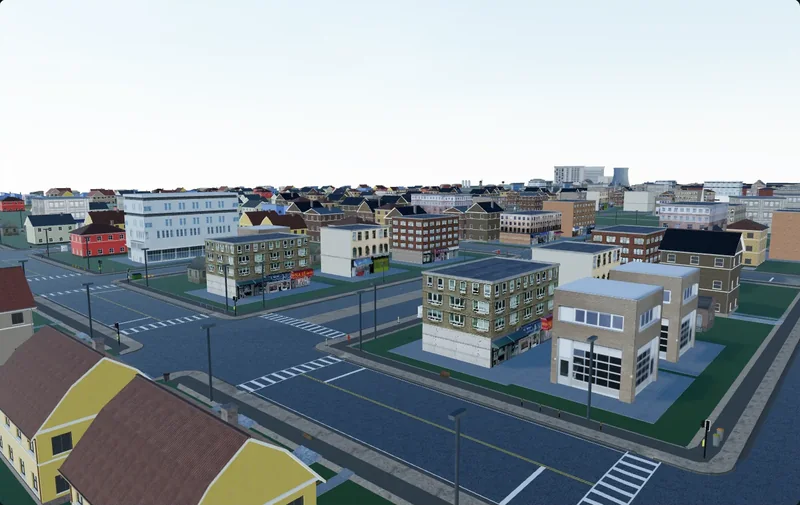
These retrieve human-modelled assets from a library and place them by rule: a street grid, lots cut from the blocks, buildings on frontages, trees inside a polygon. Most web tools sold as an "AI city generator" work this way, and inside their range they work well.
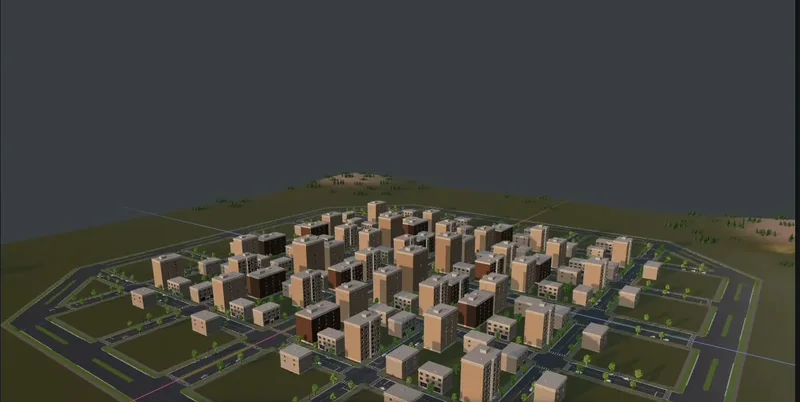
Good at: mass. Six hundred buildings in a plausible arrangement in a few minutes, with clean parts — clean because a person modelled them.
Where it stops: the library is the ceiling. Ask for something outside it and you get the nearest neighbour, which is how a Baltic fishing town ends up assembled from California suburbs. The deeper limit is that the layout is statistical rather than intended: density is right, block sizes are right, and nothing is anywhere because a player will be standing there. It reads as a city from 300 m up and as wallpaper at eye level. City generation has real uses, but it is a backdrop tool, not a level tool.
Still by hand: everything the player touches. You carve the playable route through the generated fabric, and expect to delete a third of it.
Tools that hand you a process
These three hand you something re-runnable; the geometry is a by-product.
Procedural and node systems
Houdini digital assets, Unreal's PCG framework, Blender geometry nodes, CityEngine's CGA rules — the oldest category, and by a wide margin the most capable. PCG went from experimental in 5.2 to production-ready in 5.7 and ships in 5.8; Houdini 21 runs HDAs as nodes inside a PCG graph; the Houdini Engine plugins for Unreal and Unity are free, though authoring the HDAs still needs a Houdini licence.
Good at: determinism and re-runs. Widen the road, and the pavements, kerbs, lamp spacing and driveway cuts all update together. Nothing else on this list can do that.
Where it stops: you author the rules. A graph is programming with a different interface, and it does exactly what you specified, including the parts you specified by accident. Making a graph produce one deliberate moment — this window framing that tower, seen from the top of those stairs — costs more than modelling it by hand. None of it is AI, whatever the marketing says; the AI-adjacent part is usually a chat window that helps you write the graph. The real difference between the two approaches is whether the intent lives in the rules or in the conversation.
Still by hand: the intent, and every exception to it.
Agent-driven editors
Here an AI agent holds the same tools a designer would: draw a road, split a block, place a building of these dimensions, scatter inside this polygon, set the sun angle. It works in steps, reads the scene back after each one, and corrects itself. The plumbing is usually the Model Context Protocol. Unreal 5.8 ships an experimental MCP plugin exposing Blueprints, assets, levels, materials and meshes to a local model; Unity's Assistant package includes an MCP server that connects Claude Code or Cursor to a running editor on Unity 6 and later; Blender has a community bridge. Cuberta is a free desktop editor built around this shape — you press Copy connect command, paste it into a terminal, and the agent builds road networks, blocks of buildings, interiors, terrain and lighting while you watch, select, move and undo.
Good at: composition, and being redirected. "The second street is too wide, and move the church to the junction" is a sentence this category understands and the previous three do not.
Where it stops: minutes, not seconds, and it needs a real editor running on your machine. And the agent has never stood in the level: it does not know that the shortcut you like is invisible from the spawn point.
Still by hand: judgement, and the playtest that produces it.
Assistants that write code instead of geometry
Unity 6.2 replaced Muse and Sentis with Unity AI — an in-editor Assistant plus Generators for sprites, textures, animation and audio. Next to that sits the ordinary practice of pointing a coding agent at the project itself. The output is not a mesh but an editor script, a spawner, a validation pass, a batch fix for 400 prefabs with the wrong pivot.
Good at: the tooling a level designer never has time to write. The quietest category here and probably the highest-leverage, because what you keep is a tool rather than a folder of assets.
Where it stops: it produces a script. Someone still has to know what the script should do, which means someone still has to know the level.
The five categories side by side
| Category | What comes out | Editable afterwards | Engine hand-off |
|---|---|---|---|
| Single-object generator | One textured mesh | Fully, like any mesh | GLB, FBX, OBJ or USD; scale and pivot are yours |
| Library and placement | A populated area, often merged | Per instance, if they survive export | Usually FBX or GLB; watch instancing |
| Procedural or node system | A graph and its output | Graph endlessly, output not really | Native in-engine, or baked geometry |
| Agent-driven editor | Named objects in a real scene | Per object, and by asking again | GLB or FBX with textures |
| Code assistant | A script or a tool | It is source code | None — it lives in your project |
What none of them does
All five make content. None of them decides. The useful test is not how good the output looks but how cheaply you can disagree with it:
If the result changes when you change your mind, it is a design tool. If you have to run it again from the beginning, it is a content tool.
By that test, generators and library builders are content tools; graphs and agent-driven editors are design tools. What stays yours either way is the blockout, the flow, the sightlines, the pacing, and the twenty minutes of walking the level that tells you which of the four is wrong.
Questions to ask before you pick one
- What is the smallest thing I can change afterwards? One object, one parameter, one sentence, or nothing short of a full re-run. That answer sorts these five categories better than any feature list.
- Where does the intent live? In my graph, in my prompt, or in the tool's defaults. If it is the third, you are decorating someone else's level.
- What does this cost on day 60? Day 1 is a demo. Day 60 is the art director changing the palette, and the only question is whether that is a re-run or a week.
- What is the hand-off, exactly? Separate objects or one welded mesh, textures included or separate, metres or arbitrary units. This is where a fast tool quietly becomes a slow one.
How they fit together
The honest answer in 2026 is not one tool but an order of operations. Blockout first, by hand or with an agent, because that is the design. Procedural for the fabric around it — the district, the forest behind the ridge — because it re-runs when the plan changes. Single-object generation for the fifteen props no library has. A coding assistant for anything you have now done forty times by hand. Then a playtest, still the only step that tells you the truth.
Whatever fills the middle, check the hand-off before you depend on it: an agent-driven editor such as Cuberta exports GLB or FBX with textures included, which is the difference between an import and a re-texturing job. If budget is the constraint, the free end of the toolchain is deeper than it was two years ago.
The thing worth watching is which categories can be corrected in flight. Generators cannot: you keep the result or roll again. Graphs can, but only through the rules. Agents can be corrected in the sentence you would use with a colleague — which is why Epic and Unity both shipped MCP into the editor rather than a larger generator. None of that makes them level designers. It makes them arguable with, which for anyone who has shipped a level is more useful than speed.